
PMAY-G Geo-Tag Photo 2026: How AwaasApp Unlocks the Next Instalment
The next PMAY-G instalment depends on verified progress, not just a normal gallery photo. AwaasApp records the house at the site with location and time, then the block verifies that stage in AwaasSoft.
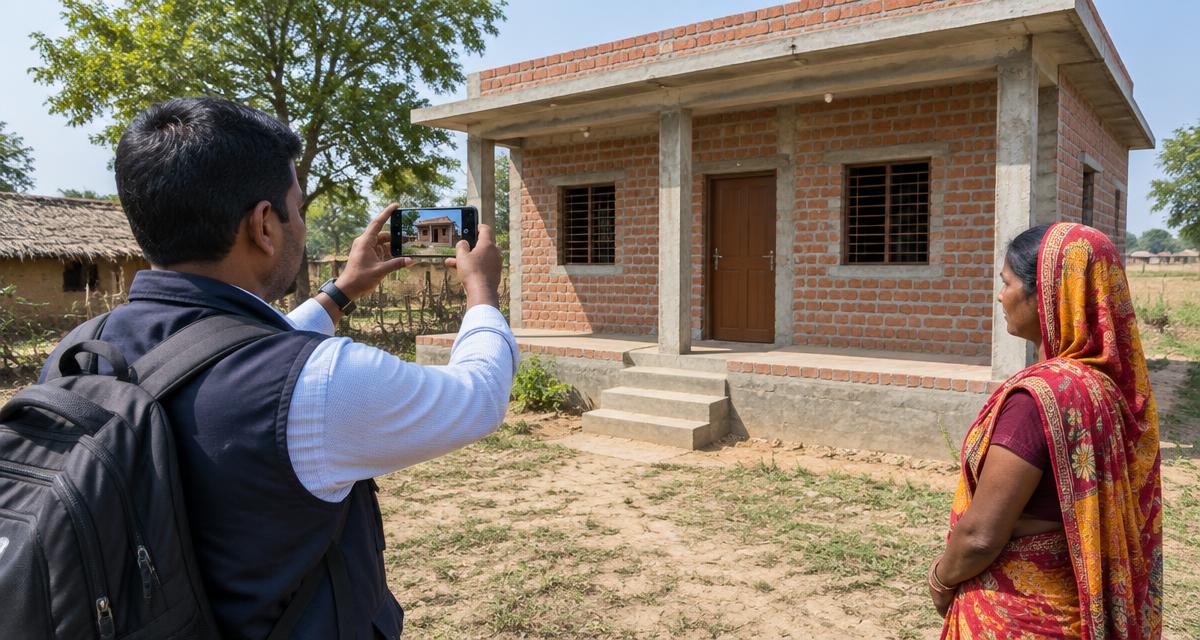
Checked on 5 October 2026 against NIC's official AwaasApp feature note and the official Android listing. The Ministry publishes no guaranteed number of days from upload to payment.
At a glance
- Official app
- AwaasApp by NIC
- Captures
- Time-stamped, geo-tagged stage photos
- Beneficiary login
- OTP on registered mobile
- After upload
- Block verification before payment workflow
What is it?
AwaasApp is the official NIC mobile application used to capture time-stamped and geo-tagged photographs of PMAY-G houses. A beneficiary can use OTP linked to the mobile recorded at sanction; authorised inspectors use their AwaasSoft credentials. Stage images support verification and the next instalment workflow.
Benefits
A correct upload proves the house has reached the required stage, creates a visible digital trail and reduces disputes about inspection. It also tells the block which house and location the photo belongs to.
Who is affected
- ✓The house must be sanctioned and linked to a PMAY-G registration
- ✓The capture must be made at the actual house location
- ✓The correct beneficiary and construction stage must be selected
- ✓Beneficiary login requires access to the mobile number registered at sanction
What to check
- ✓PMAY-G registration number
- ✓Registered mobile and OTP access for beneficiary mode
- ✓Phone with working camera, GPS and data
- ✓Sanction details to confirm the correct house and stage
What to do next
- Install AwaasApp only from the official Play listing or PMAY-G portal
- Allow camera and precise location while using the app
- Log in as beneficiary with the registered mobile OTP, or ask the authorised inspector
- Select the correct sanctioned house and current construction stage
- Stand at the actual site, wait for stable GPS and capture a clear wide photo
- Upload and keep any acknowledgement or screenshot
- Later check the beneficiary record; if the stage remains unverified, show the upload details at the block office
Important dates
Capture each required stage soon after it is completed. There is no published national guarantee that payment arrives within a fixed number of days after upload.
Common mistakes to avoid
- ✓Uploading an old gallery image instead of an in-app site capture
- ✓Taking the photo away from the house
- ✓Selecting the wrong beneficiary or stage
- ✓Disabling precise location or closing the app before upload finishes
Frequently asked questions
Can I upload the photo myself?
The official listing supports beneficiary login using OTP on the mobile registered at sanction; authorised inspectors can also capture and verify through their workflow.
Why does GPS fail?
Move outdoors near the house, enable precise location, wait for a stable fix and retry. Do not fake the location.
Does upload immediately release money?
No. The stage must be verified and the payment order must complete its official workflow.
Can I send the photo on WhatsApp instead?
A WhatsApp image does not carry the official in-app record needed for AwaasSoft verification.